
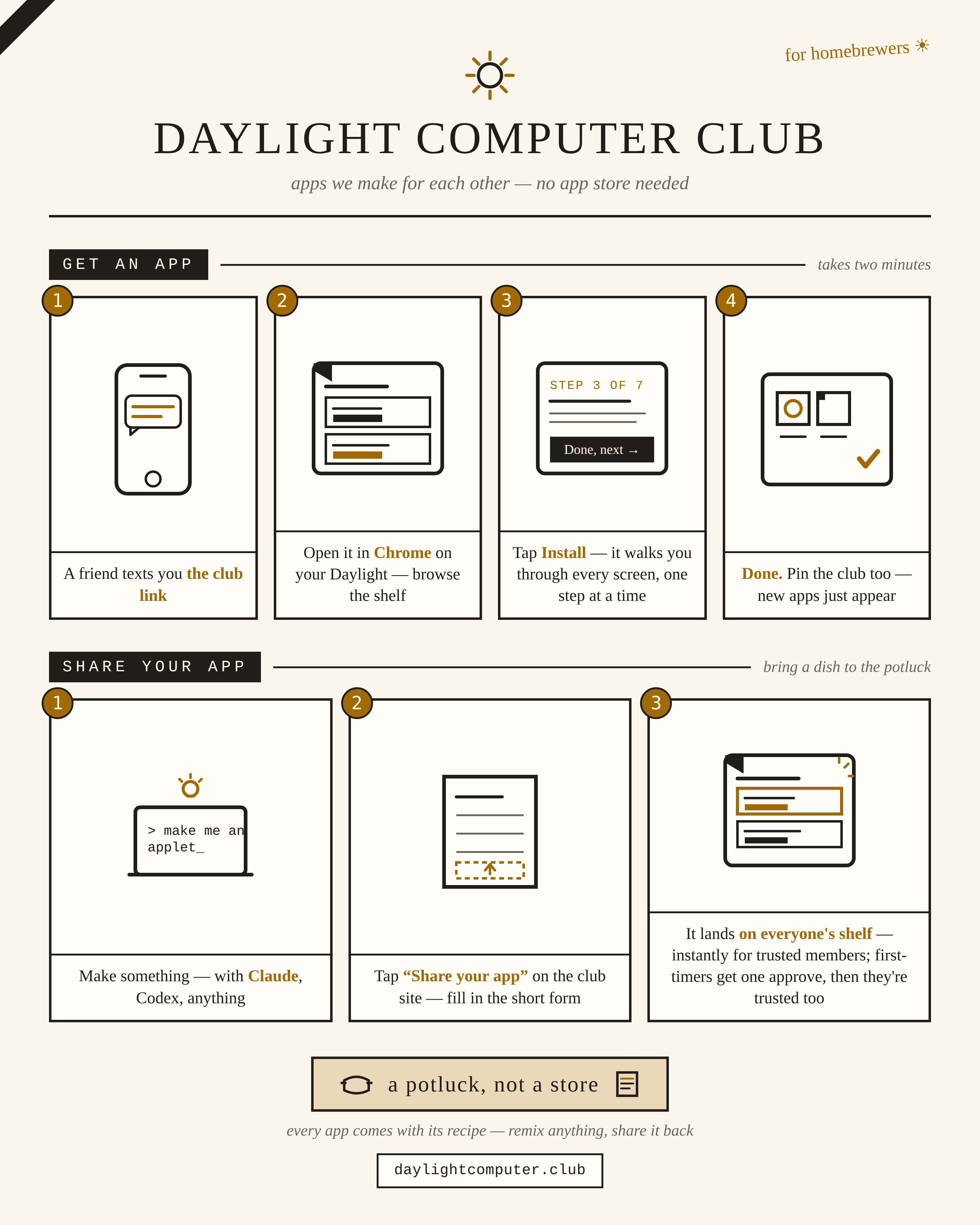
The club is just a folder of apps and one apps.json file in a
GitHub repo. Adding your app means adding your file (or link) and one
catalog entry. Four ways to do it, easiest first:
1. Fill out the share form
No coding, no cloning — a fill-in-the-blanks form. Name, one-liner, your link (or your APK zipped and dragged in), what it does, done. A robot sighs happily and shelves it: instantly if you're on the club's trusted-members list, or after Anjan's one-tap approval if you're new. You'll need a free GitHub account to submit — one-time, and it's also your identity on the shelf.
Open the share form ↗2. Ask your Claude to do it
If you built your app in Claude Code, you're one prompt away. Copy this, paste it into your Claude Code session, and fill in the blanks:
Add my app to the Daylight Computer Club catalog.

The club repo is https://github.com/a12k-a2b/daylight-computing-club-community-hub — the site lives in the
site/ folder and the catalog is site/apps.json.

My app:
- Name: ___
- One-line tagline: ___
- Author: ___ (my name)
- Type: "apk" (an Android APK file) or "pwa" (a web app at a URL)
- If APK: build/sign it and put it at site/apps/<app-id>/<app-id>.apk
- If PWA: the URL is ___
- Description: a short paragraph about what it does
- afterInstall: any one-time setup steps a friend needs after installing
  (permissions to grant, services to enable) — written for a non-technical
  person, one step per line

Clone the club repo, add my app following the pattern of the existing
entries in site/apps.json, and open a pull request.
3. Send it to a club member
Email your APK (or your web app's link) with a name, a one-liner, and any setup steps to whoever runs the club — right now that's Anjan. They'll shelve it for you.
4. Do it by hand
Fork the repo, drop your
APK in site/apps/<your-app-id>/, add an entry to
site/apps.json matching the ones already there, and open a
pull request.
Spread the word
One picture explains the whole club — how to get apps, how to share them. Text it to a friend along with the club link, or print it and stick it on the fridge.
Open the club poster ↗House rules
Apps here install on friends' tablets with real permissions, so: share the source (a repo link on the card), describe honestly what it does and what it asks for, and only shelve things you'd put on your own kid's tablet. The club works on trust — it's a potluck, not a store.
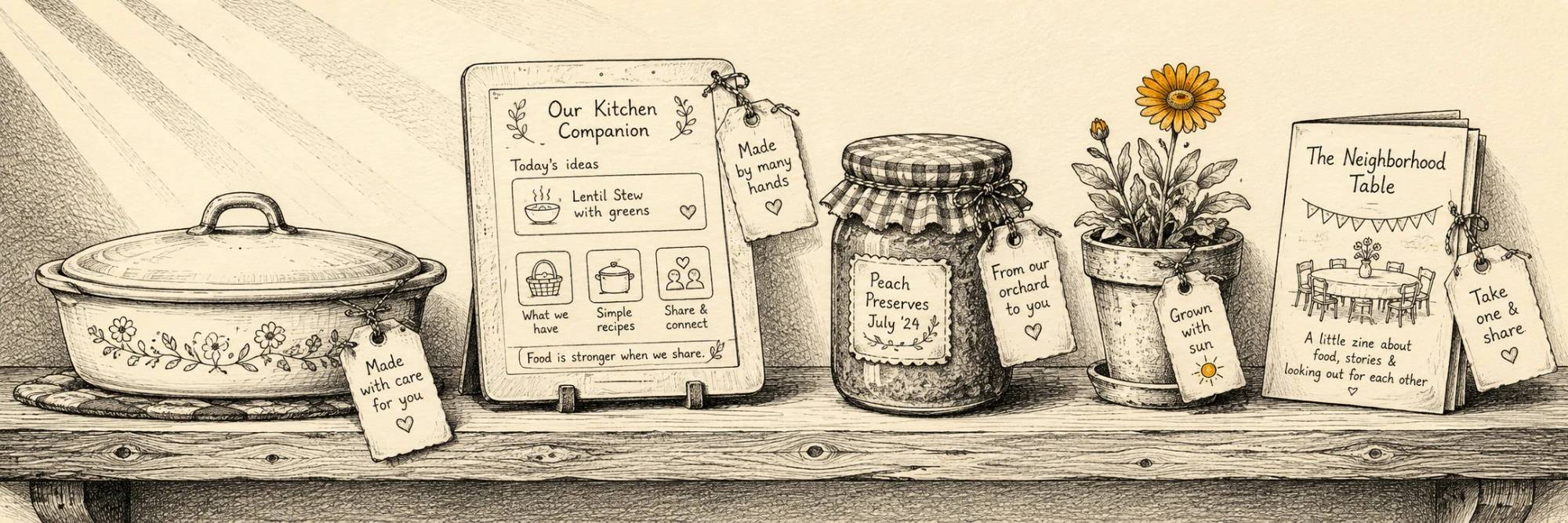
The shelf awaits your dish — made with care, tagged by hand.